行動參考 March 17, 2025
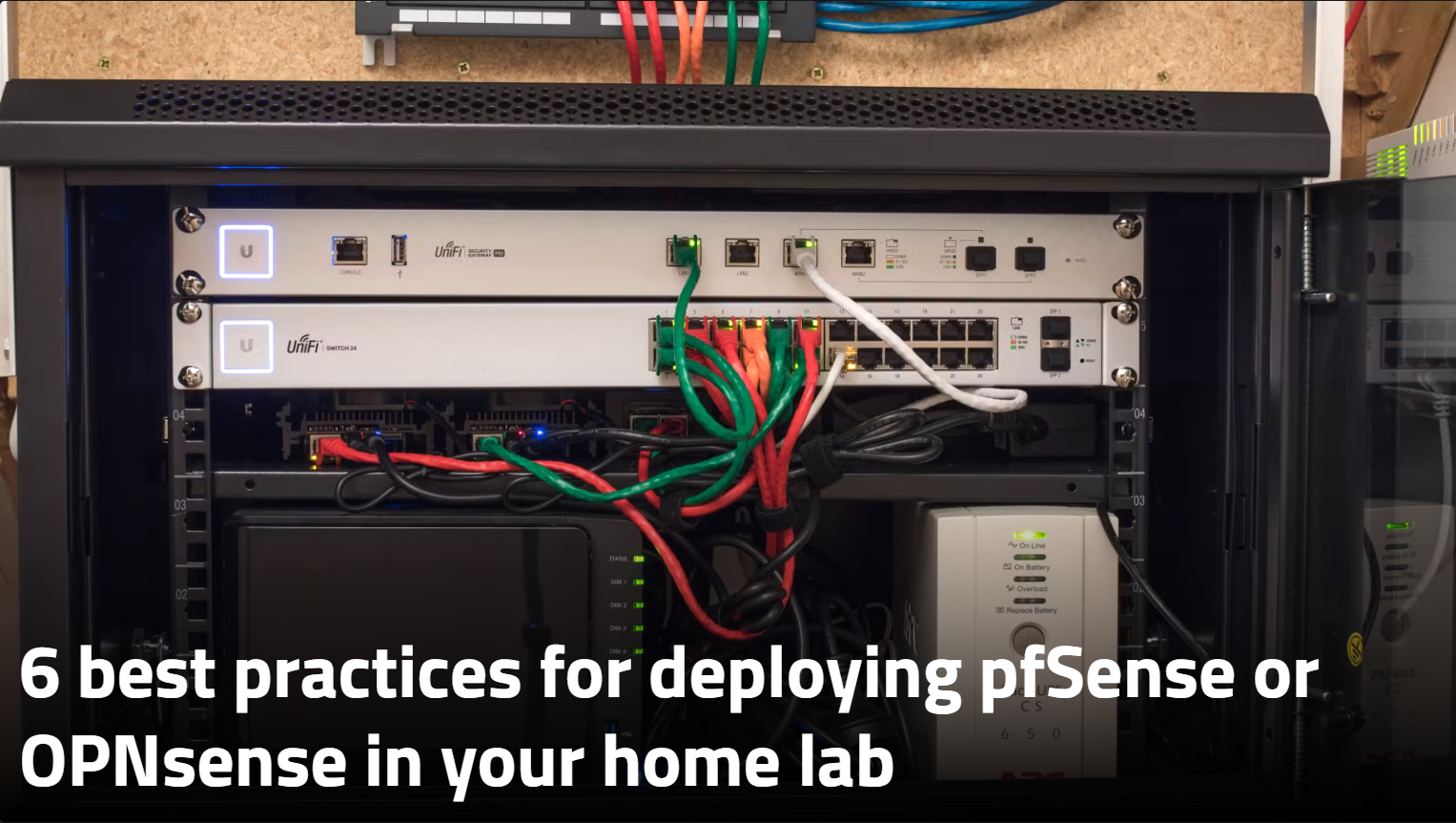
【行動】Six Best Practices for Deploying OPNsense
🛡️ 1. Lock Down Admin Access
- Change the default password and username.
- Use two-factor authentication (like a code sent to your phone).
- Block traffic from risky countries using a tool called pfBlockerNG.
- Turn off remote access methods like SSH unless you really need them—use a VPN instead.
💻 2. Limit Who Can Access the Firewall
- Only allow trusted devices to make changes.
- Restrict access by IP address and device ID (MAC address).
- Set up alerts so you know if someone changes something unexpectedly.
🔄 3. Keep Everything Updated
- Regularly check for updates to fix bugs and security holes.
- Updates don’t happen automatically—you have to log in and do it manually.
- You can test updates before applying them to avoid breaking things.
💾 4. Back Up Your Settings
- Save copies of your setup so you don’t have to start from scratch if something goes wrong.
- You can back up everything or just the parts you care about.
- Encrypt your backups for extra safety.
🌐 5. Use a Separate Network for Admin Stuff
- Create a special network just for managing your firewall and other gear.
- This helps you fix things even if the rest of your network is down.
- If your device has a console port, use it for emergency access.
🔍 6. Keep Rules Simple
- Don’t overload your firewall with too many rules—it makes troubleshooting harder.
- Stick to the basics and only allow what’s absolutely necessary.
- Group similar rules together to stay organized.
In short: keep it secure, keep it simple, and always have a backup plan. If you want, I can help you set up a checklist or walk you through any of these steps.
Sharing is sexy
Latest article
- 【CL-12】Thinking about the Care Group Curation System
- 【CF-42】(Updated: May 18) ED相關理論及社會狀況 (多個AI模型)
- 【CL-11】From MOC to an Unified Information System (System Design / PARA Integration / Books into Skills / AI Librarian)
- 【CL-10】Setting Up a Board for ClaudioFlute in Super Productivity
- 【CF-39】Using VST Live Pro for Show Production
